12. Automate repository upkeep
Upkeep routines run recurring repository maintenance — broken links, failing Renovate pull requests, documentation drift, unreachable code, flaky tests, and duplicated helpers — inside hard spend, open-PR, and yield boundaries.
Every Routine object stays inert until a maintainer binds it under a repository’s spec.routines[]. Upkeep routines never auto-merge on their own: automatic merges still require a live merge policy. Full starter catalog tables, custom CRD specs, and CLI commands live in Use › Upkeep routines, The factory, and Web UI reference.
Browse the catalog and enable a routine
Open Routines (/routines) in the rooms web UI and choose Browse catalog (/routines/catalog) to inspect every shipped (catalog) and cluster-authored (custom) Routine.
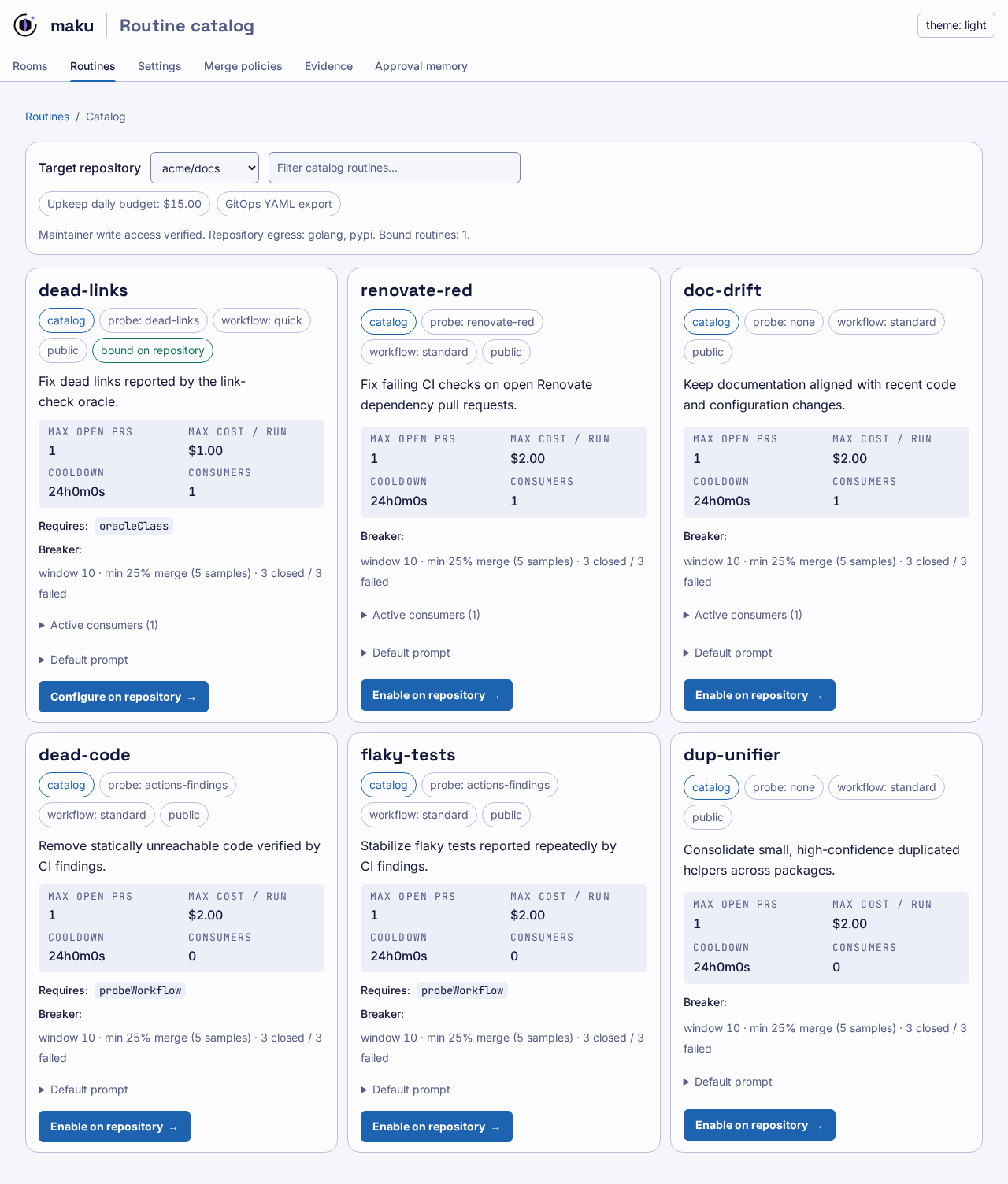
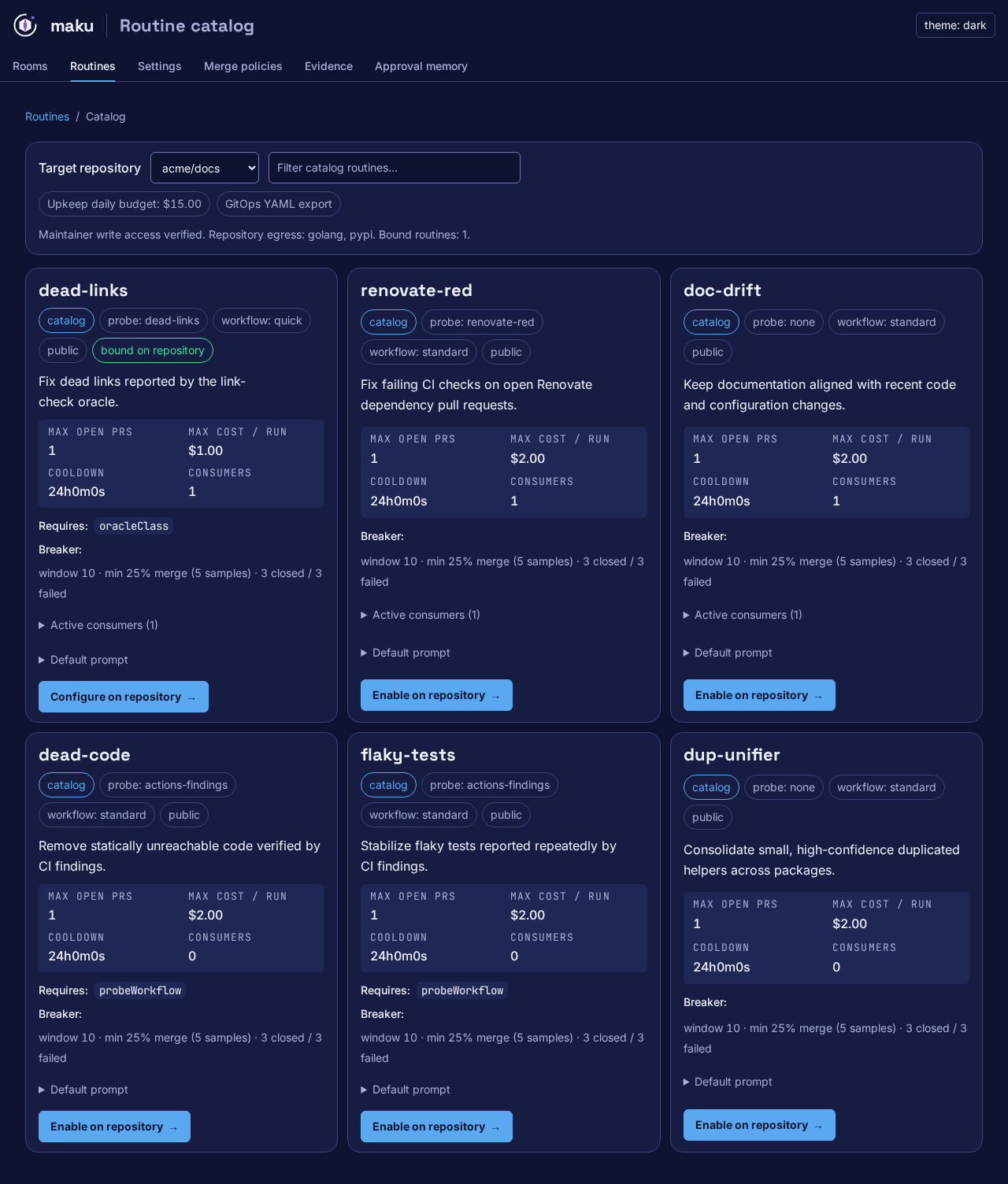
- Pick your target repository in the selector.
- Review each routine’s probe, workflow, cost ceiling, and required fill-once parameters (
oracleClassorprobeWorkflow). - Click Enable on repository → (or Configure on repository → for an existing binding) to open the guided configurator.
Configure mode, schedule, and prompt
The configurator (/routines/<owner>/<repo>/<routine>/edit) walks through delivery mode, UTC cron schedule (with live local and UTC previews of the next three runs), bounds (which can only tighten the Routine’s ceilings), and an optional repository-owned prompt (.github/agent-factory/upkeep/<routine>.md, validated live for size, sections, and a ## Verify checklist).
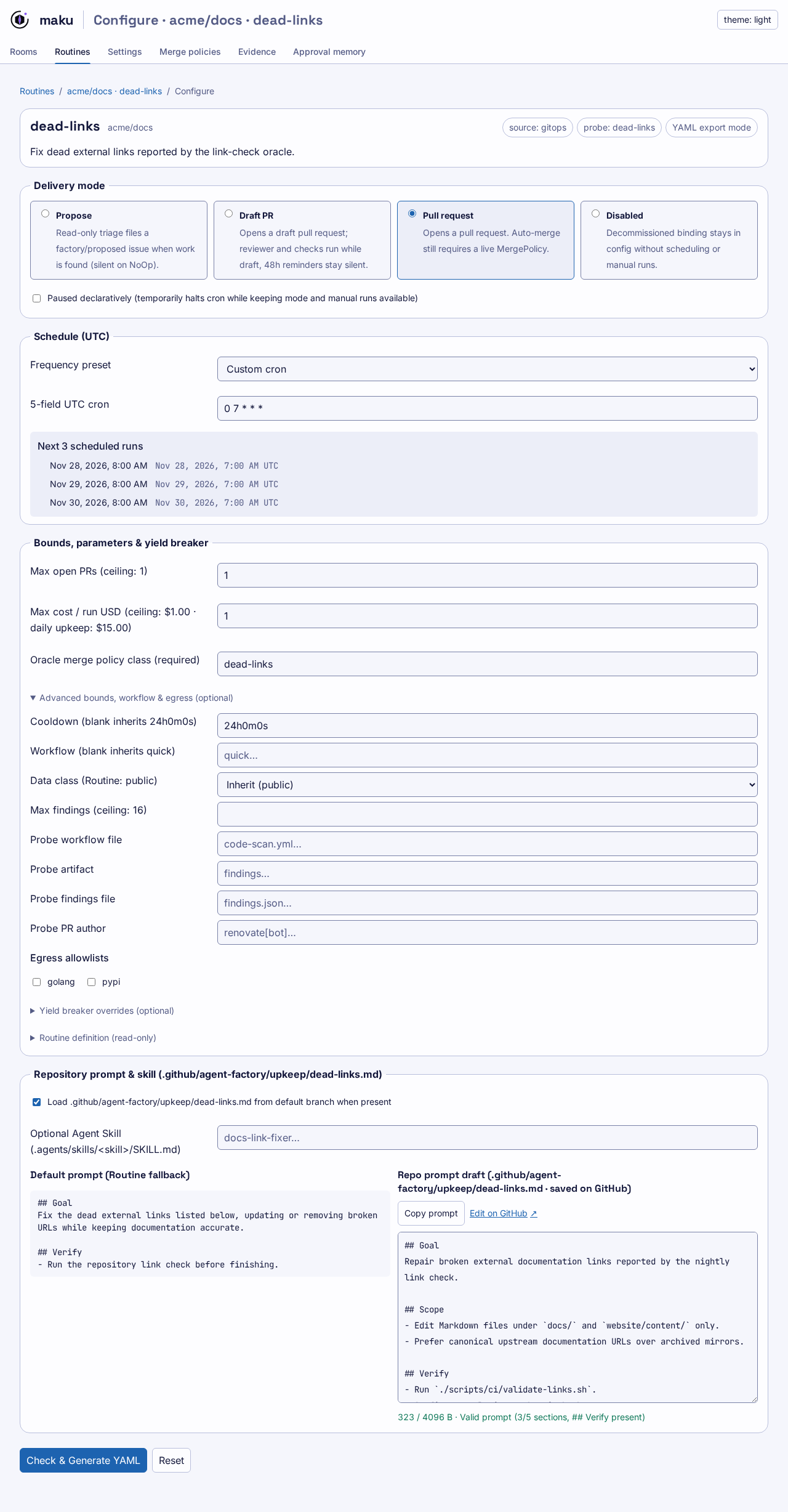
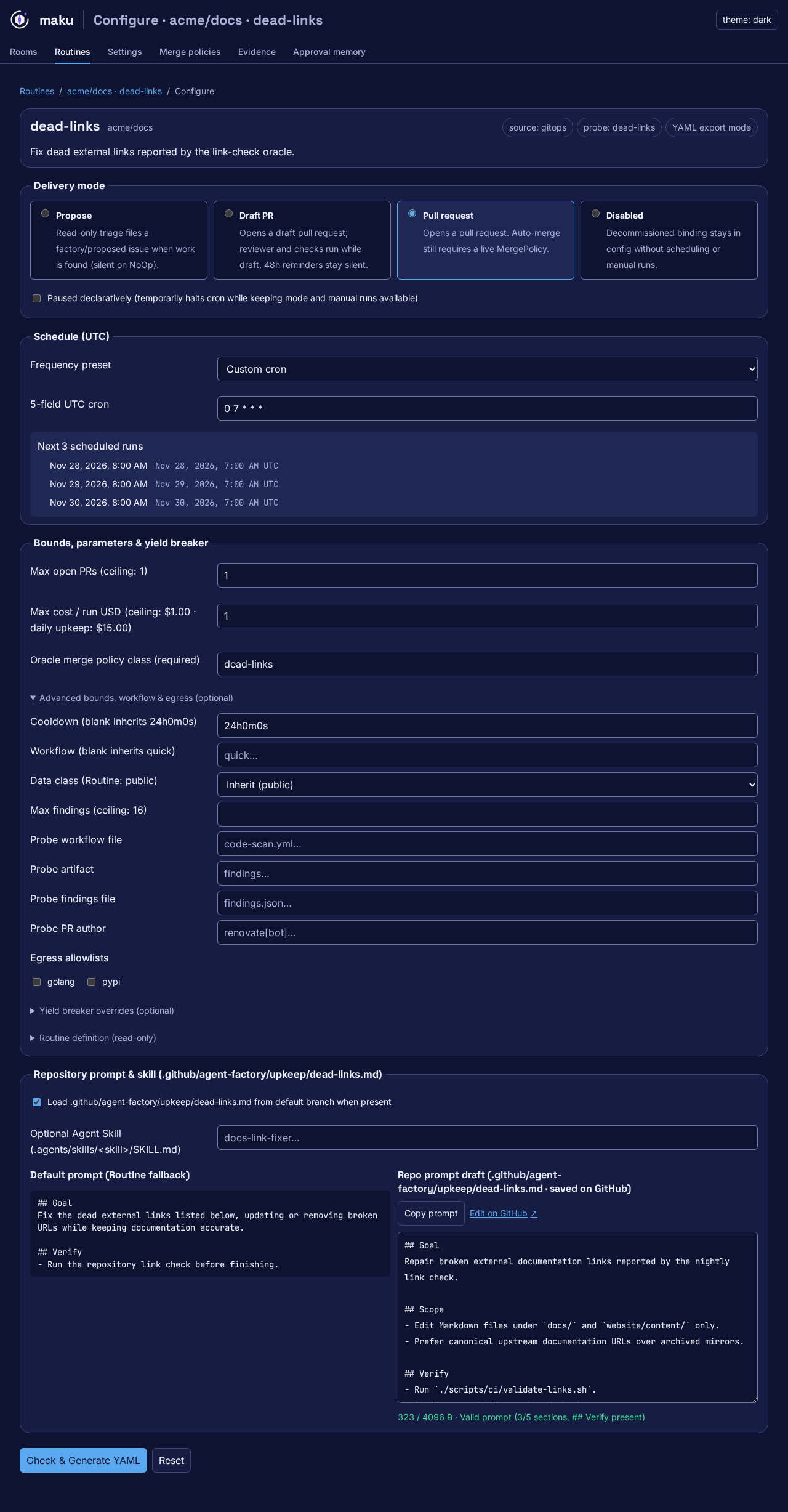
- Start in Propose or Draft PR until the routine produces consistent patches.
- Click Check & Generate YAML to validate against the factory and copy or download the
Repositorymanifest snippet for GitOps. - When an operator enables
routines.uiWrite: true, Save to cluster persists UI-managed bindings into ConfigMapagent-factory-routine-bindingswhile keeping GitOps-declared bindings immutable in the cluster.
Monitor yield and control runs
The Routines overview (/routines) sorts routines needing attention (paused or half-open) first, displaying 14-day outcome sparklines, rolling merge rate, cost per merged PR, open PR count, and the next scheduled run.
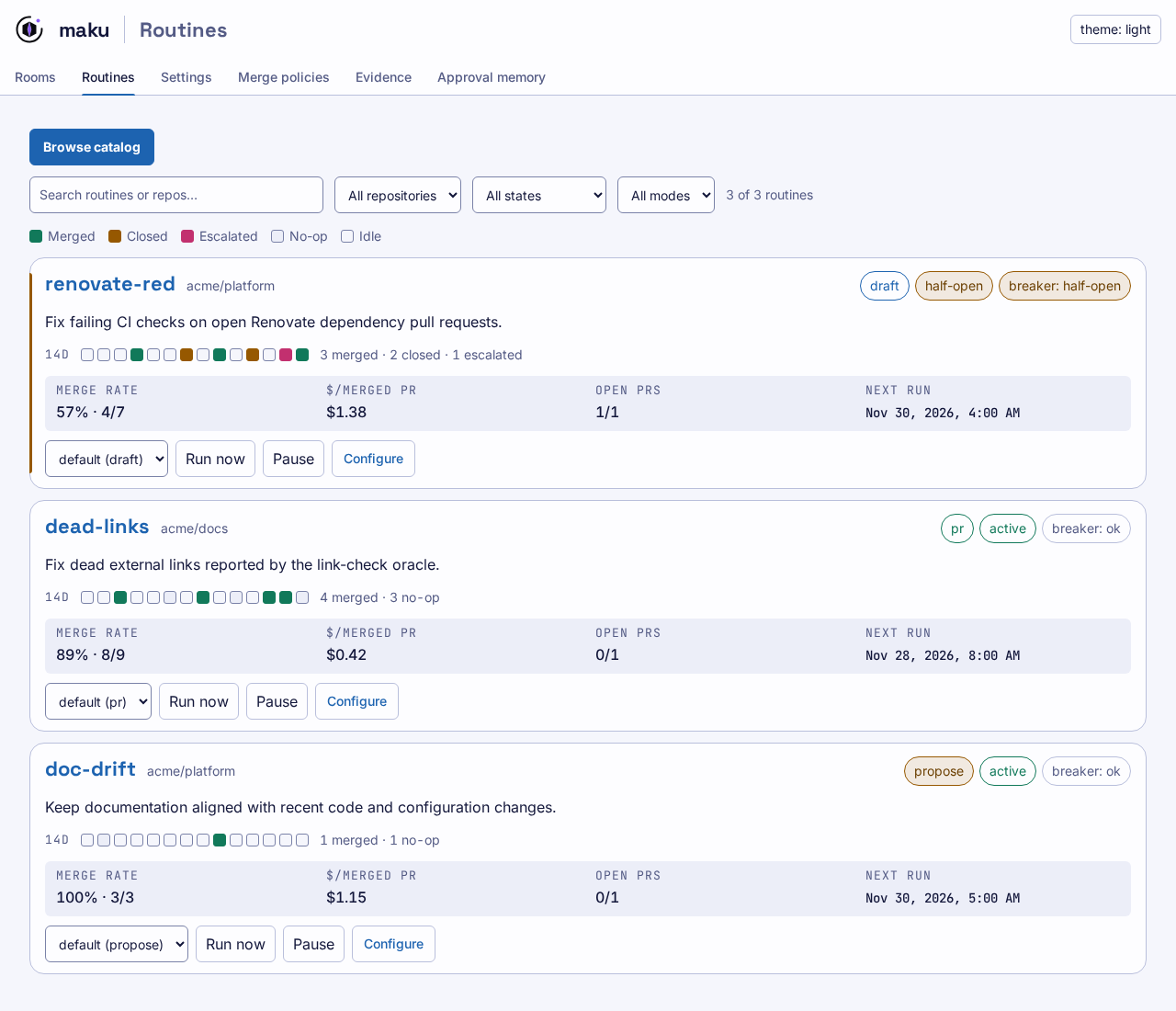
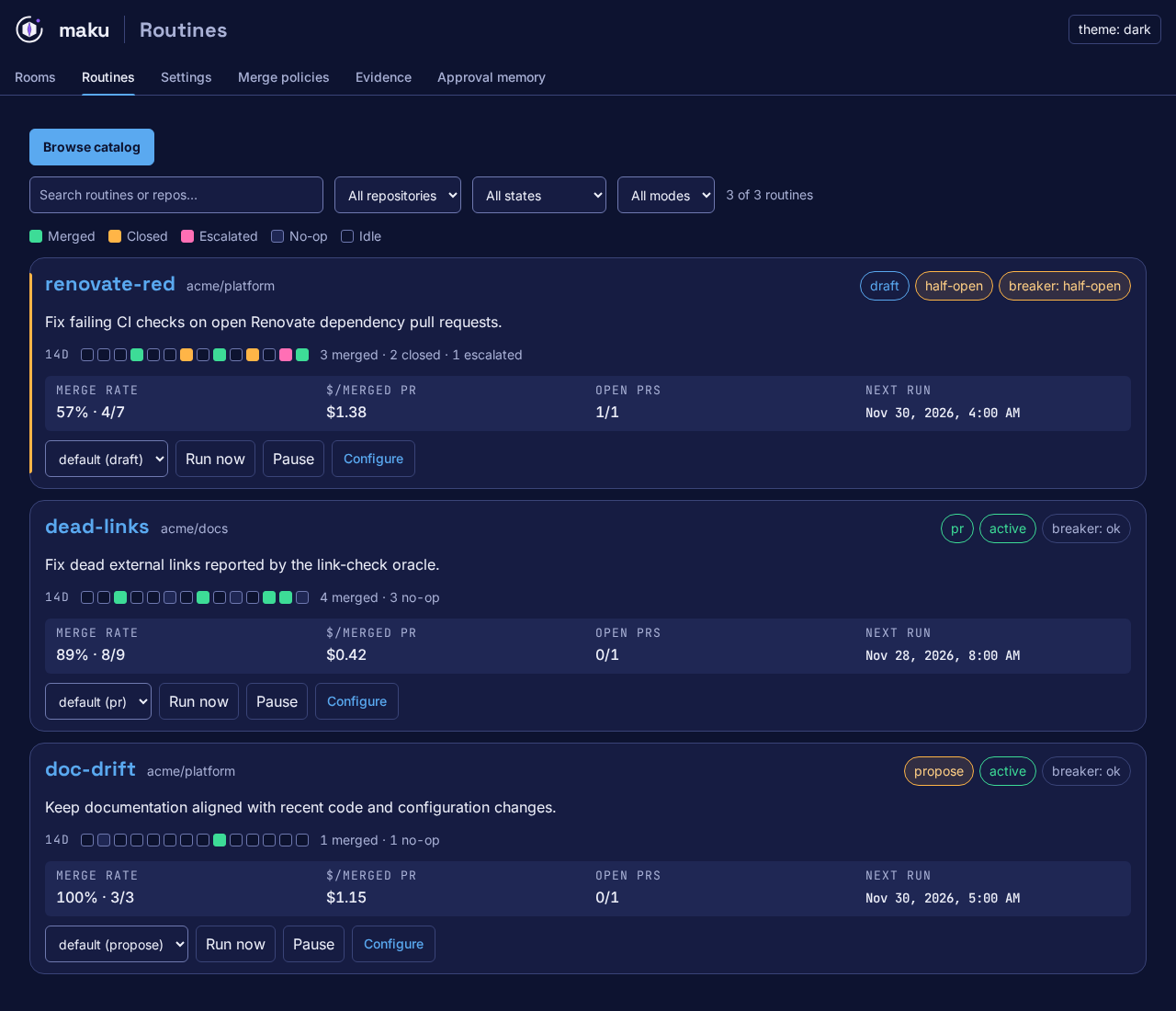
Maintainers with GitHub write access can trigger Run now (with an optional one-shot mode override), Pause, or Resume, or run maku routine list, maku routine run, and maku routine pause|resume from the terminal.
Check component versions and environment
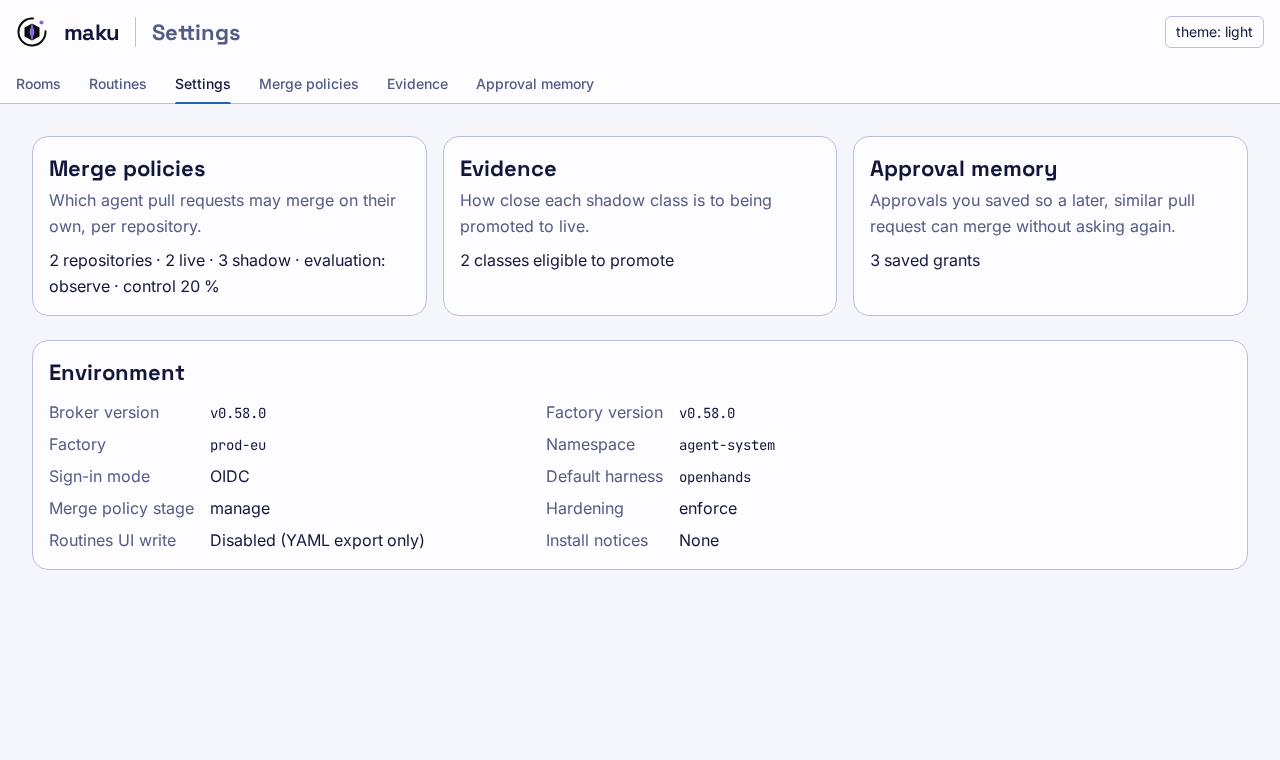
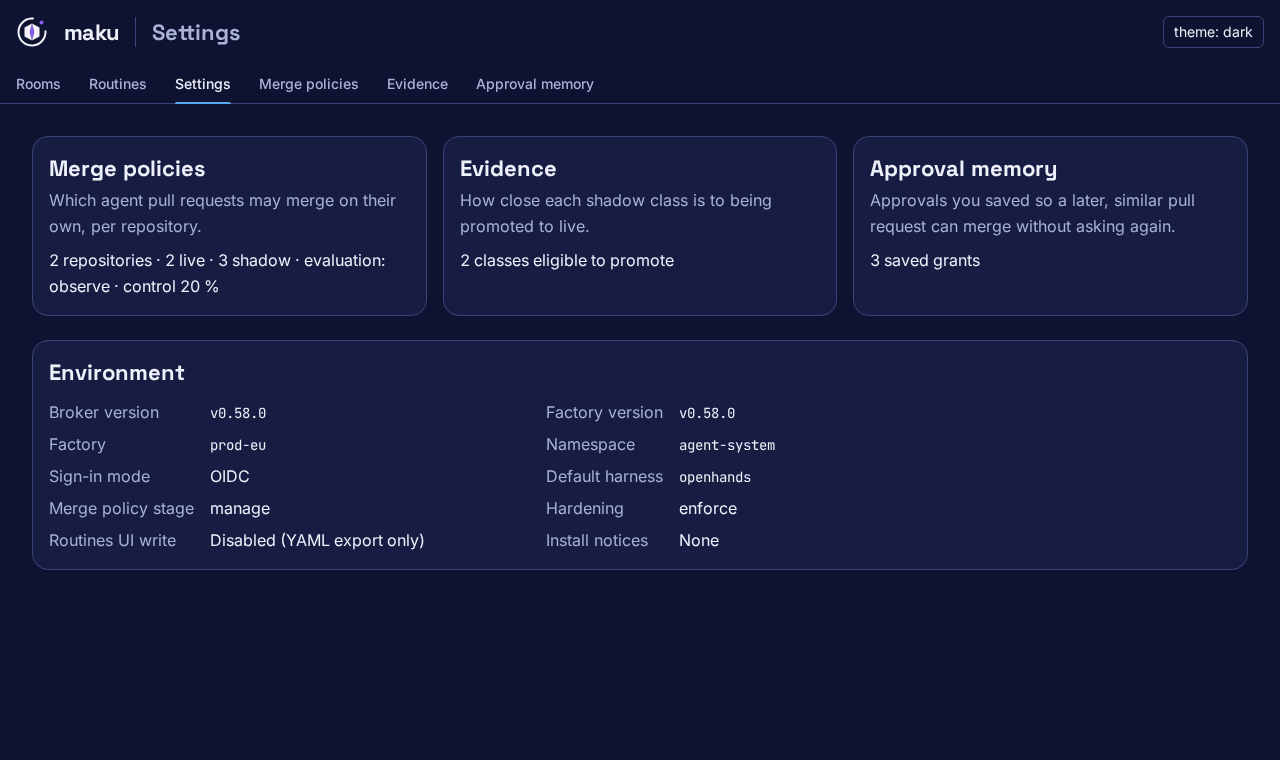
Open Settings (/settings) to view the Environment panel below the section cards. It prints the broker and factory versions (flagging version skew), factory name, namespace, sign-in mode, default harness, merge policy stage, hardening mode, routines UI write setting, and active install notices.
Next: keep the cheat sheet handy for every label, comment, Slack command, MCP tool, and maku command on one page.